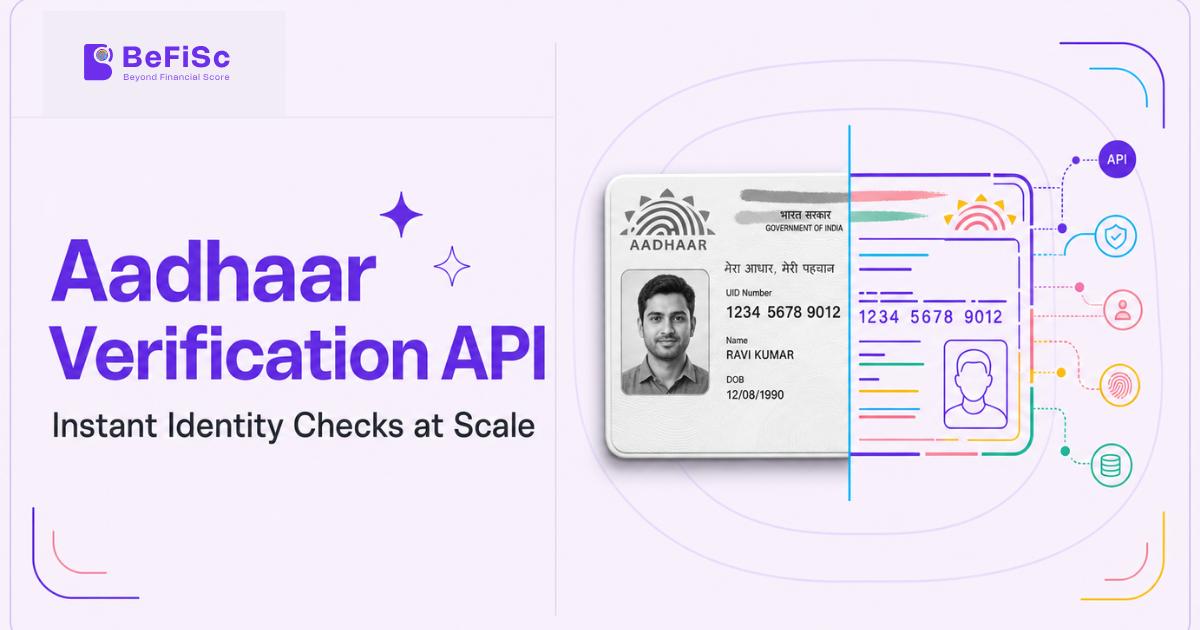
Aadhaar is the identity layer nearly every digital onboarding flow in India is built on, yet the term “Aadhaar verification API” gets used loosely enough to cover at least three technically distinct processes with different compliance implications. A business integrating one without understanding which process it’s actually using can end up non-compliant with UIDAI’s data-handling rules without realizing it.
This guide separates what “Aadhaar verification” actually means at the protocol level, walks through the three methods a compliant API can offer, and covers the specific UIDAI and RBI obligations that apply regardless of which vendor sits between the business and UIDAI’s systems.
What an Aadhaar Verification API Actually Verifies
An Aadhaar verification API confirms one or more of three things: that an Aadhaar number is valid and active (a format and existence check), that the demographic details associated with it (name, date of birth, address) match what the customer has submitted, and that the person submitting it is the actual Aadhaar holder (authentication, typically via OTP or biometric match).
These are not interchangeable. A demographic match confirms consistency, not possession someone could submit a correctly formatted Aadhaar number and matching name without being that person’s rightful holder. RBI’s KYC framework treats authentication, not just demographic matching, as the standard for customer identification in most regulated onboarding flows, which is why a genuinely compliant API needs to support authentication, not just lookup.
The Three Methods: OTP, Biometric, and Offline XML/QR
OTP-based e-KYC sends a one-time password to the mobile number UIDAI has on file for that Aadhaar number and validates the response server-side. It’s the fastest and least friction-heavy method, which is also why RBI restricts its use for certain account categories and mandates supplementary verification within a defined window for accounts opened this way it is not treated as equivalent-strength authentication to biometric verification across all use cases.
Biometric authentication captures a live fingerprint or iris scan and matches it against UIDAI’s central database in real time. This is the strongest authentication method available and is generally required for higher-value account categories, but it needs either certified biometric capture hardware or camera-based liveness capture, adding implementation complexity relative to OTP.
Offline Aadhaar XML/QR verification works differently: the customer downloads a UIDAI-signed XML file (or generates a QR code) from the UIDAI portal or mAadhaar app, optionally protected by a share code they set themselves, and shares that file with the business. The business verifies the digital signature cryptographically confirming the document is genuine and unaltered without ever querying UIDAI’s live servers or, notably, without the business needing to see or store the full Aadhaar number at all, since the offline XML can be configured to mask all but the last four digits.
This last point is the reason offline verification has become the preferred method for privacy-conscious implementations: it satisfies UIDAI’s own data-minimization guidance and reduces the business’s exposure under the Digital Personal Data Protection Act, 2023, since it never needs to collect, transmit, or store the full 12-digit number.
UIDAI’s Rules on Aadhaar Number Handling
UIDAI’s Aadhaar (Authentication and Offline Verification) Regulations restrict who can query its authentication systems and how the resulting data can be stored. Only entities that hold an Authentication User Agency (AUA) or e-KYC User Agency (KUA) licence or route through one as a sub-agent can legally perform online Aadhaar authentication. A business evaluating a verification API should confirm which category its provider falls into, because liability during a data-handling incident traces back through this chain.
Storage is equally regulated: UIDAI’s rules limit how long the full Aadhaar number and biometric data can be retained, and generally require that only a masked or tokenized form (such as a Virtual ID or the last four digits) be stored for ongoing reference after the initial authentication event. A provider that returns and stores the full Aadhaar number by default, without offering a masking or tokenization option, is creating compliance exposure for its client, not just itself.
The Digital Personal Data Protection Act, 2023 adds a second, overlapping layer: Aadhaar numbers and biometric data are treated as sensitive personal data requiring explicit, purpose-limited consent and defined retention periods, independent of UIDAI’s own rules. A business should not assume UIDAI compliance automatically satisfies DPDP obligations the two frameworks require separate documentation.
Choosing a Provider: What to Confirm Before Integration
Beyond raw feature support, three questions separate a compliant integration from a liability:
- AUA/KUA status. Does the provider hold a direct licence, or operate as a sub-agent of another licensed entity? Either can be compliant, but the accountability chain differs, and that matters during an incident.
- Default data retention. Does the provider mask or tokenize the Aadhaar number by default, or does the integrating business need to explicitly configure that? Defaults matter because they reveal how seriously data minimization was treated in the product’s design, not just its documentation.
- Fallback path. UIDAI’s authentication servers do experience periodic downtime. Does the provider offer offline XML/QR as an automatic fallback, or does an outage simply fail the onboarding flow?
A Common Misconception: “Aadhaar Verified” Is Not One Thing
A recurring error in vendor evaluation is treating “Aadhaar verified” as a single pass/fail outcome comparable across providers. In practice, one vendor’s “verified” might mean a demographic match against a submitted number; another’s might mean full biometric authentication. These carry very different fraud-resistance and very different regulatory weight, and a business comparing quotes without clarifying which method sits behind the quoted price is not comparing equivalent products.
Key Takeaways
- Aadhaar verification API is an umbrella term covering demographic matching, OTP-based authentication, biometric authentication, and offline XML/QR verification these are not interchangeable in compliance weight.
- Offline XML/QR verification is the most privacy-preserving method, since it can avoid ever transmitting or storing the full Aadhaar number.
- Only AUA/KUA-licensed entities (or their sub-agents) can legally perform online Aadhaar authentication confirm which category a provider falls into.
- UIDAI’s storage rules and the DPDP Act, 2023 impose separate, overlapping obligations on how long Aadhaar data can be retained and in what form.
- A fallback path for UIDAI server downtime (typically offline XML) is a practical requirement, not a nice-to-have, for any business running onboarding at volume.
Frequently Asked Questions
What is a Virtual ID and why does it matter for Aadhaar verification?
A Virtual ID is a temporary, revocable 16-digit number UIDAI allows Aadhaar holders to generate in place of sharing their actual Aadhaar number for authentication, reducing the number’s exposure across multiple service providers — a compliant API should support Virtual ID-based authentication as an option.
Is there a free, unlimited way for businesses to verify Aadhaar numbers?
No. Commercial Aadhaar authentication requires an AUA/KUA licence or a sub-agent relationship with a licensed entity, and carries per-transaction costs — there is no free commercial route at scale.
How can Aadhaar be verified without an internet connection to UIDAI’s servers?
Through offline Aadhaar XML or QR verification: the customer downloads a UIDAI-signed file or generates a QR code via the UIDAI portal or mAadhaar app, and the verifying business checks its digital signature cryptographically without querying UIDAI’s live systems.
Can a business store a customer’s full Aadhaar number?
UIDAI’s regulations and the DPDP Act, 2023 both restrict this — businesses are generally expected to store only a masked or tokenized form after the initial authentication event, not the full 12-digit number, except in narrowly defined circumstances.
Is Aadhaar verification the same as Aadhaar authentication?
No. Verification typically confirms a number or demographic details are valid and consistent; authentication confirms the person submitting the Aadhaar is its actual holder, usually via OTP or biometric match against UIDAI’s live database.
Conclusion
Treating “Aadhaar verification” as a single, comparable feature across vendors is the most common mistake in this evaluation category, and it’s the one most likely to create compliance exposure rather than just a suboptimal purchase decision. The method a provider uses demographic match, OTP authentication, biometric authentication, or offline XML determines both the fraud-resistance of the resulting verification and the data-handling obligations the business inherits.
A compliance or engineering team evaluating this category should ask which specific method sits behind a vendor’s “Aadhaar verified” claim before comparing price, because two providers quoting similar rates for functionally different verification strength are not offering the same product, whatever the sales deck implies.