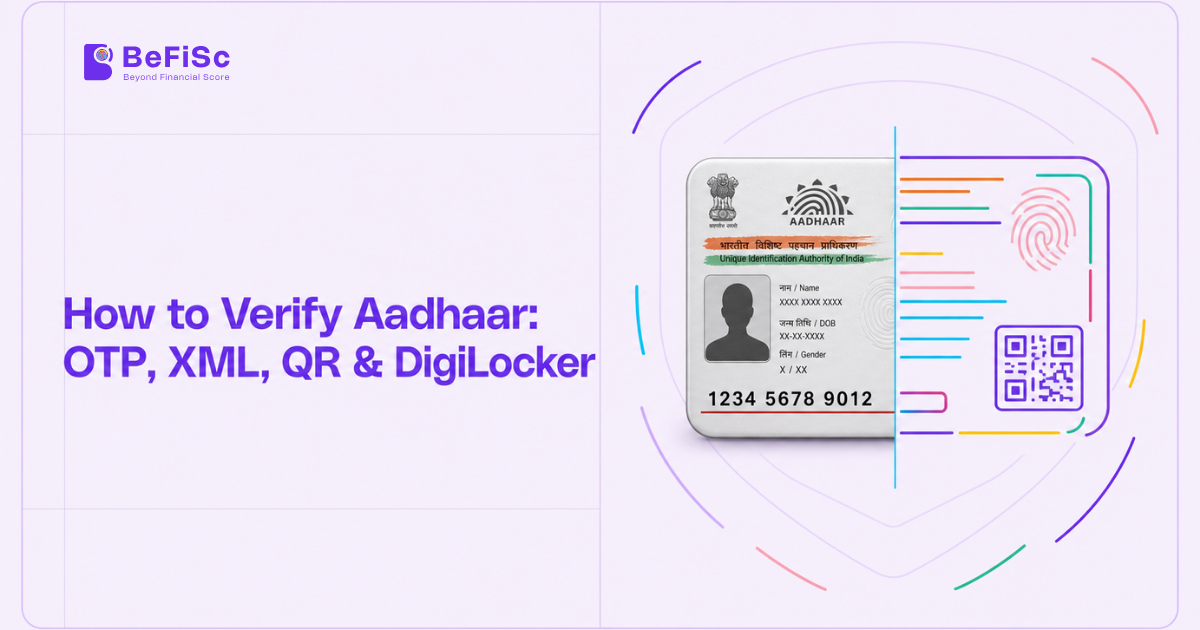
“Verify Aadhaar” is one of the most searched identity queries in India, at around 13,000 searches a month, with close variants adding tens of thousands more. The people searching want very different things.
A landlord wants to know a tenant’s Aadhaar is real. A lender wants to complete KYC. A payroll team wants to confirm a new joiner’s identity. Each has different legal rights to Aadhaar data, and each should use a different method.
This guide sets out every legitimate verification method, what each one actually proves, and which ones a regulated business can rely on.
What “Verifying Aadhaar” Can Mean
There are three distinct questions, and methods answer them differently:
- Does this Aadhaar number exist and is it active? A basic validity check.
- Is this document genuine and untampered? A check that the details on a card or file were issued by UIDAI.
- Is the person in front of me the Aadhaar holder? A check that ties the number to the individual, through OTP, biometrics, face or a photo match.
Most fraud happens when a business answers question 1 or 2 and assumes it has answered question 3.
Methods Available to Anyone
UIDAI’s “Verify Aadhaar Number” service
On the UIDAI and myAadhaar portals, anyone can enter an Aadhaar number and see whether it exists, along with limited details such as age band, gender, state and the last digits of the registered mobile. It confirms validity only. It does not show the name or photo and proves nothing about who is presenting it.
Secure QR code scan
The e-Aadhaar PDF, PVC card and newer letters carry a digitally signed Secure QR code. Scanning it with UIDAI’s app or an authorised reader shows the holder’s demographic details and photograph as signed by UIDAI. If the printed details differ from the QR data, the document has been altered.
Verifying email or mobile linkage
UIDAI lets holders confirm whether a given mobile number or email is linked to their Aadhaar. This is useful for the holder, not a business verification method.
Online Authentication: OTP, Biometric and Face
Online authentication sends the Aadhaar number and an authentication factor to UIDAI’s Central Identities Data Repository (CIDR), which returns a yes or no, and in e-KYC mode, the holder’s demographic data and photo.
- OTP: A one-time password is sent to the Aadhaar-linked mobile. Proves control of that mobile, not physical presence.
- Biometric: Fingerprint or iris through a registered device. Strong proof of presence.
- Face authentication: Face capture matched by UIDAI, increasingly used in mobile flows.
Only entities registered with UIDAI as Authentication User Agencies (AUAs) or e-KYC User Agencies (KUAs), and permitted to use Aadhaar authentication under law, can run these checks. For the financial sector, banking companies are permitted under Section 11A of the PMLA, and other entities can be notified. A 2025 amendment to the Aadhaar good-governance authentication rules widened the route for other entities to seek approval for specified purposes.
Offline Verification: XML, Secure QR and DigiLocker
Offline verification does not query UIDAI in real time. The holder shares a UIDAI-signed data package, and the business validates the signature. Entities using it are Offline Verification Seeking Entities (OVSEs).
Aadhaar Paperless Offline e-KYC (XML)
The holder downloads a password-protected ZIP containing a digitally signed XML file from the UIDAI portal and shares it with a share code. The business checks UIDAI’s signature, then reads name, address, date of birth, gender and photo. The Aadhaar number itself is masked. Freshness matters: a file generated months ago says nothing about today.
Secure QR
As above, but used as a business workflow: the customer presents e-Aadhaar or the PVC card and the QR is scanned and signature-checked.
DigiLocker
With the holder’s consent, a business retrieves the Aadhaar document issued into the holder’s DigiLocker. The data is signed at source and cannot be edited by the holder. For many fintechs, DigiLocker is the smoothest offline route because consent and retrieval happen in one flow.
Comparison Table
| Method | Proves | Who can use it | Needs UIDAI licence | Typical use |
|---|---|---|---|---|
| UIDAI Verify Aadhaar Number | Number exists and is active | Anyone | No | Quick sanity check |
| OTP e-KYC | Holder controls linked mobile; returns signed data | Permitted AUAs/KUAs | Yes | Bank and eligible RE onboarding |
| Biometric / face authentication | Physical presence of holder | Permitted AUAs/KUAs | Yes | Branch, BC, assisted onboarding |
| Offline XML | Data is UIDAI-issued | Any OVSE with consent | No | Fintech and NBFC KYC, V-CIP |
| Secure QR | Card data is untampered | Any OVSE with consent | No | Field, retail, rentals |
| DigiLocker Aadhaar | Data is UIDAI-issued, via consent | Entities integrated with DigiLocker | No | Digital onboarding |
| Photocopy / PDF image | Nothing on its own | Anyone | No | Should not be relied on alone |
What Regulated Entities May and May Not Do
For RBI-regulated entities, the KYC Directions issued on 28 November 2025 continue the long-standing position: Aadhaar is one route to KYC, not a mandatory one, and customers can use other officially valid documents.
Five rules should shape any Aadhaar workflow:
- Use the method you are permitted to use. Non-bank entities without e-KYC authorisation should rely on offline verification or DigiLocker.
- Take explicit consent that states purpose, and record it.
- Never store the full Aadhaar number unless you are permitted and use an Aadhaar Data Vault. Mask the first eight digits on any copy you keep.
- Pair offline data with a liveness and face match when the customer is not physically present, so that the data is tied to the person.
- Use recent files. For V-CIP, the offline XML or e-KYC must be recent under RBI’s rules, so an old file cannot be recycled.
Fraud Patterns to Watch
- Edited PDFs and printouts: Name, photo or date of birth altered on an e-Aadhaar image. Secure QR or XML signature checks catch these; visual review does not.
- Borrowed identity with shared OTP: The real holder shares an OTP with a fraudster, often for a fee. Face match against the Aadhaar photo is the counter.
- Stale offline files: Old XML files resold or reused. Enforce freshness windows.
- Mismatched mobile: The mobile used in the application differs from the Aadhaar-linked one, a common signal in mule and loan-fraud cases.
Use Cases
Digital NBFC onboarding: DigiLocker Aadhaar retrieval, selfie liveness and face match against the Aadhaar photo, PAN verification and penny drop, completed in under three minutes.
Gig platform onboarding: Secure QR scan plus face match for delivery partners, with Aadhaar masked in stored records.
Bank branch account opening: Biometric e-KYC through the bank’s AUA licence, which also supports simplified account opening for customers without other documents.
Housing society or rental checks: UIDAI’s number check plus Secure QR scan, with the tenant’s consent, rather than keeping photocopies.
Key Takeaways
- Verifying Aadhaar can mean validity, authenticity or holder presence; choose the method that answers your question.
- Online OTP, biometric and face authentication are restricted to permitted, UIDAI-registered entities.
- Offline XML, Secure QR and DigiLocker are open to any consenting business and prove data authenticity.
- Pair offline data with liveness and face match for remote onboarding.
- Never rely on a photocopy or image alone, and never store unmasked Aadhaar numbers.
Frequently Asked Questions
What is the difference between e-KYC and offline e-KYC?
e-KYC queries UIDAI live and needs a licence. Offline e-KYC uses a signed file or QR the holder shares, verified without a live UIDAI query.
Can I keep a copy of a customer’s Aadhaar?
Only a masked copy, with the first eight digits hidden, unless you are specifically permitted and use an Aadhaar Data Vault.
Is Aadhaar mandatory for opening a bank account?
No. RBI rules allow other officially valid documents. Aadhaar-based e-KYC is one option.
Can a business verify Aadhaar without OTP?
Yes, through offline methods: signed XML, Secure QR or DigiLocker. These need the holder’s consent but not an OTP from UIDAI to the business.
How can I verify an Aadhaar number for free?
Use UIDAI’s “Verify Aadhaar Number” service. It confirms the number exists and shows limited details, not the holder’s identity.
Conclusion
Aadhaar verification is not one check but a family of methods with different legal bases and different strengths. The mistakes that lead to fraud and regulatory findings are predictable: relying on images, using methods an entity is not permitted to use, keeping unmasked numbers, and skipping the step that ties data to the person.
A robust flow picks the right method for the entity’s permissions, adds liveness and face match for remote customers, and cross-checks Aadhaar data against PAN and bank records.
BeFiSc’s Aadhaar and identity verification APIs support offline, DigiLocker-based and cross-check workflows built for fintechs and lenders. Request API access to test them in your sandbox.