To verify a digital signature in a PDF, open it in Adobe Acrobat Reader, open the Signature Panel, and validate each signature. A valid result confirms two things: the document has not changed since signing, and the signer’s certificate chains to a trusted root, which for Indian DSCs and eSign is the Root Certifying Authority of India.
Signed PDFs move money in India. ITR acknowledgements, Form 16 certificates, bank statements, and sanction letters arrive as PDFs that carry, or appear to carry, a digital signature. Most reviewers glance at the signature stamp and move on.
Fraudsters count on that habit. This guide shows how to verify digital signature validity properly: what the cryptography checks, what each Acrobat message means, and how forgeries slip through.
How a PDF Digital Signature Works
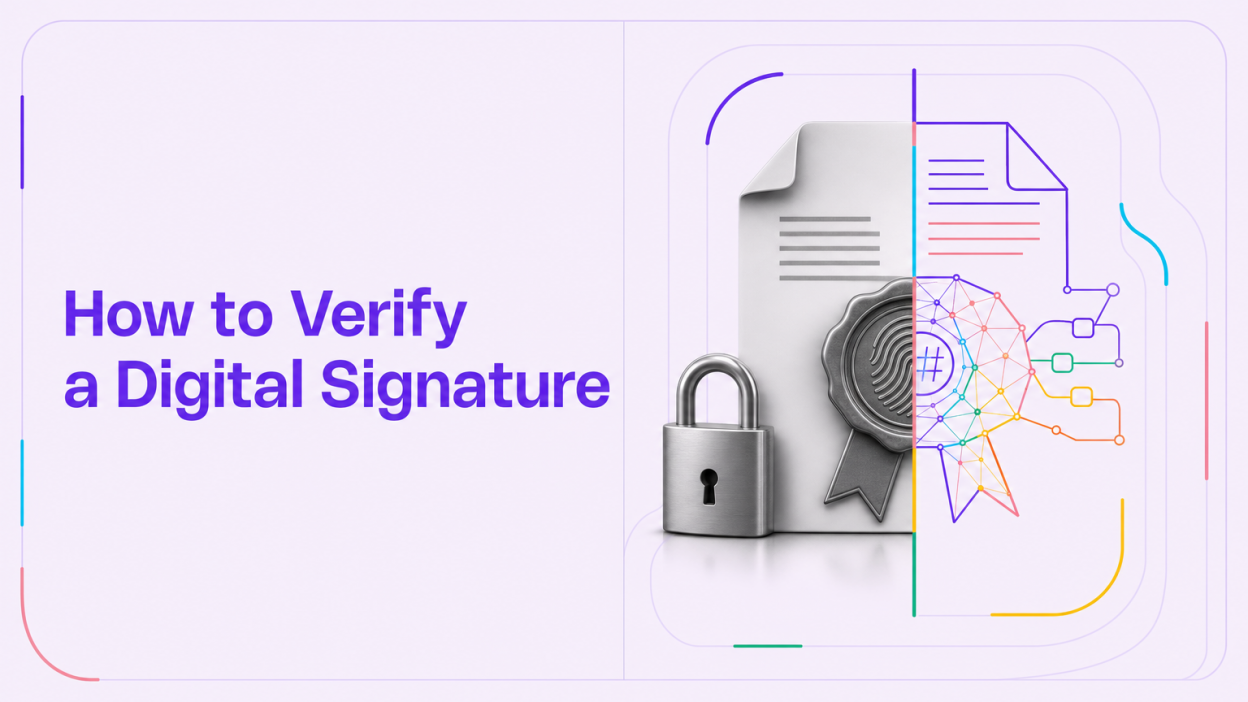
A digital signature is a cryptographic seal that binds a document’s contents to a signer’s certificate. It is not a picture of a handwritten signature.
When a signer applies a signature, the software computes a hash, a fixed-length fingerprint of the signed bytes. The hash is encrypted with the signer’s private key and embedded in the PDF together with the signer’s certificate.
During validation, the reader recomputes the hash and compares it with the embedded value, decrypted using the certificate’s public key. A match means the document is intact. The reader then checks the certificate’s issuer, validity period, and revocation status.
Every validation therefore answers two separate questions: integrity (has the content changed?) and trust (does the chain lead to a root your software trusts?). A file can pass the first and fail the second, which produces the familiar “validity unknown” message.
The Legal Basis in India: IT Act, CCA and Licensed CAs
Section 3 of the Information Technology Act, 2000 allows a subscriber to authenticate an electronic record with a digital signature, using an asymmetric crypto system and hash function. Section 3A, added by the 2008 amendment, extends this to electronic signature techniques listed in the Second Schedule, provided they are reliable.
Aadhaar-based eSign was added to the Second Schedule through a Gazette notification dated 28 January 2015. That is why an eSign applied through a licensed eSign Service Provider has legal standing comparable to a DSC-based signature.
The Indian chain of trust
The Controller of Certifying Authorities (CCA), under MeitY, licenses Certifying Authorities (CAs) and operates the Root Certifying Authority of India (RCAI). The CCA’s FAQ states that the RCAI root certificate is at the root of trust for all signatures created under the IT Act.
The chain runs from the RCAI root to a licensed CA (and its sub-CA) to the signer’s Digital Signature Certificate (DSC) or eSign certificate. The CCA publishes the list of licensed CAs, and its FAQ notes that verification needs the complete issuer chain up to the root.
How to Verify Digital Signature Validity in Adobe Acrobat Reader
Here is how to verify digital signature status in Adobe Acrobat Reader, which is free and handles the PAdES signatures used in India. Menu labels vary slightly between versions.
- Open the original file. A printed-to-PDF copy or screenshot carries no verifiable signature.
- Open the Signature Panel. A blue bar at the top usually reports the overall status. Click “Signature Panel” to list every signature in the file.
- Validate each signature. Right-click the signature and choose “Validate Signature”. Then open “Show Signature Properties” for details.
- Inspect the certificate. Click “Show Signer’s Certificate”. Review the issuer chain, validity dates, and the CA name. Check the CA against the CCA’s licensed list.
- Check the trust settings. If the chain ends at the CCA India root but Reader still says unknown, the root is not in your trust store. Add the RCAI root certificate as a trusted certificate from the “Trust” tab, after confirming its authenticity.
- Review changes after signing. In Signature Properties, check whether the document was modified after the signature. Use “View Signed Version” to see exactly what was signed.
- Confirm revocation status. Signature Properties shows whether revocation was checked. A revoked certificate is a hard fail, regardless of how the document looks.
Before trusting the root, compare its thumbprint with the one the CCA provides through the out-of-band check described in its FAQ.
Reading the three common results
| Acrobat message | What it means | Action |
|---|---|---|
| Signature is valid | Content unchanged and chain trusted | Proceed, then check the content itself |
| Signature validity is unknown | Content may be intact, but the chain is not trusted on this machine, or revocation could not be checked | Inspect chain and trust settings before deciding |
| Document altered or corrupted since it was signed / signature invalid | The signed bytes no longer match the hash | Reject or escalate; request the original from the issuer |
What “Validity Unknown” Actually Means
“Validity unknown” is the most misread result in digital signature validation. It does not mean the signature is fake. It also does not mean it is genuine.
It usually means Acrobat could not build a trusted path to a root it recognises, often because the CCA India root is not in the default trust store. An offline machine that cannot check revocation, or a self-signed certificate, produces the same message.
An “unknown” result shifts the burden to the reviewer. If the chain ends at a licensed Indian CA under RCAI and integrity passes, the cause is usually trust configuration. If it ends at a self-issued certificate with a plausible name, treat it as unverified.
How Forged Signed PDFs Get Past Reviewers
Fraudsters rarely break the cryptography. They exploit reviewers who do not check it.
- Image of a signature stamp. A picture of a “Digitally signed by” block is pasted onto an edited page. The Signature Panel is empty.
- Flattened signatures. A signed PDF is printed to a new PDF; the appearance survives, the signature data does not.
- Edits after signing. Content is changed in a signed file. Acrobat reports the change, but a reviewer who never opens the panel will not see it.
- Self-signed certificates. Anyone can create a certificate in a bank’s or employer’s name; it will never chain to RCAI.
Each pattern fails at least one of the steps above, yet visual review catches almost none of them.
Checks for Lenders Receiving Signed PDFs
Knowing how to verify digital signature status on one file is a skill. Doing it across thousands of applications a month is a process design problem.
Document-specific checks
- ITR-V and ITR acknowledgements: confirm the signature, then cross-check the acknowledgement number and income figures through a route rather than trusting the PDF alone.
- Form 16 and Form 130: Form 16 remains valid for FY 2025-26; the Income-tax Rules, 2026 replace it with Form 130, generated through TRACES, for later years. Confirm employer TAN and TDS figures against other evidence.
- Bank statements: a signed e-statement from a bank should validate cleanly. Pair the signature check with transaction-level analysis using a.
- Sanction letters and agreements: confirm the signer’s certificate belongs to the named organisation, not a similarly named individual.
Process controls
Accept originals only, log each validation result, configure the CCA India root centrally, and escalate every “altered” result.
Where BeFiSc fits: BeFiSc’s TamperProof is a document tamper and forgery detection API that checks submitted PDFs for signs of editing and manipulation before they reach underwriting. To see how your current intake performs, send 20-50 signed PDFs from recent applications for a free tamper check, and compare the findings with your manual review.
A signature check confirms who sealed the file and that the sealed bytes are intact. Tamper analysis covers files that were never signed or were altered before signing.
Key Takeaways
- A PDF digital signature validation answers two questions: whether the content changed after signing, and whether the certificate chains to a trusted root.
- In India, DSCs and eSign rest on Sections 3 and 3A of the IT Act, 2000, with the RCAI operated by the CCA as the root of trust.
- “Validity unknown” usually signals a trust-store or revocation issue, not forgery; inspect the chain before deciding.
- Common forgeries avoid cryptography entirely: signature images, flattened copies, edits after signing, and self-signed certificates.
- Lenders should standardise trust settings, accept originals only, and pair signature checks with source verification and tamper analysis.
Frequently Asked Questions
Can a digitally signed PDF still be fake?
Yes. A file can carry a self-signed certificate in a convincing name, or only an image of a signature with no cryptographic seal. Even a genuine signature proves who sealed the file, not that its contents were true before signing, so pair signature validation with source checks.
Is Aadhaar eSign legally valid in India?
Yes. Section 3A of the IT Act, 2000 recognises electronic signature techniques listed in the Second Schedule, and Aadhaar e-KYC-based eSign was added by notification dated 28 January 2015. It must be issued through a licensed CA acting as an eSign Service Provider.
Why does Adobe show “signature validity is unknown”?
Usually because Acrobat cannot build a trusted path from the signer’s certificate to a root in its trust store, or cannot check revocation. Many Indian certificates chain to the CCA India root, which may need to be added manually. If the chain ends at a self-signed certificate instead, treat the signature as unverified.
How do I verify a digital signature in a PDF for free?
Open the original PDF in Adobe Acrobat Reader, open the Signature Panel, and validate each signature. Check the signer’s certificate chain, validity dates, and revocation status. For Indian DSCs, confirm the chain ends at the Root Certifying Authority of India and that the issuing CA appears on the CCA’s licensed list.
Conclusion
A digital signature is one of the few anti-fraud controls that is mathematically checkable, free to run, and already embedded in many Indian financial documents. Most organisations do not use it.
Knowing how to verify digital signature status correctly, and making it a logged step in intake, closes the easiest forgery routes. The remaining risk sits in unsigned and pre-signing manipulation, which is where tamper detection earns its place.